Learn QBO fundamentals.At your pace.
Read the lesson, then do the same work in Intuit’s free QuickBooks® Online sample company. No class schedule. Go at your own speed.
- 8 chapters + 2 bonus
- Practice in QBO
- Quizzes and exams
Start with Chapter 4 · No card or paid QBO license required
Listed by Certiport for QBCU prep · Alicia Katz Pollock · 20+ years publishing · The Sleeter Group imprint
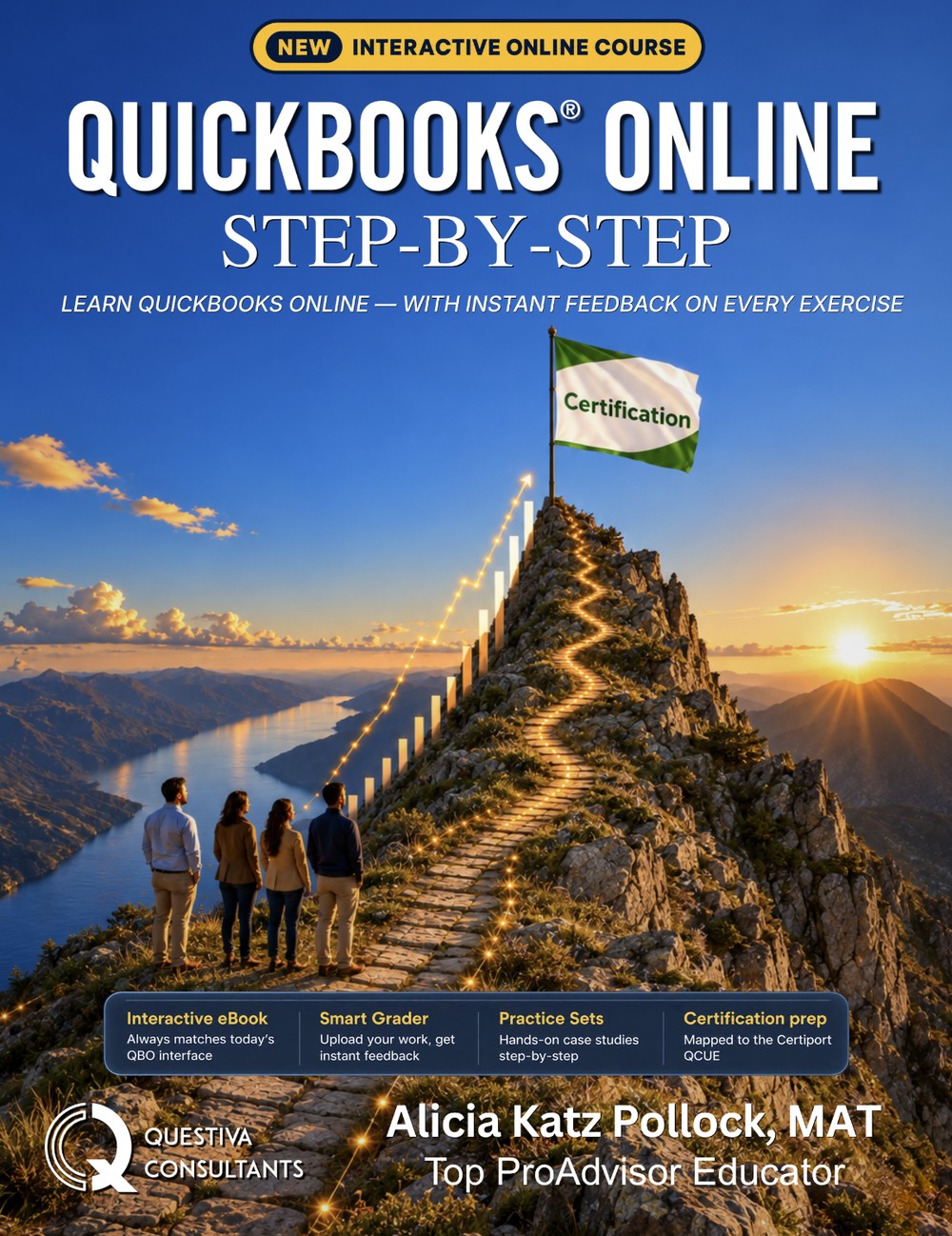
QuickBooks® Online Step-by-Step 2026
2026 edition · Online textbook
Open the free lessonQuickBooks® skills for your work
For bookkeepers, business owners, career changers, and students.
Bookkeepers and office managers
You keep the books, or you are about to. Learn how an accountant actually sets these workflows up.
Small-business owners
Do your own books with confidence: invoicing, bills, bank feeds, reconciliation, and a profit and loss you can actually read.
Career changers
Do the work hands-on, then study for the QuickBooks® Certified User exam.
Students on their own
Using the book in a course? Sign in and your class, your progress and your instructor’s messages are on one account. Studying solo? Same book, your pace.
Learn one chapter at a time
Read the lesson, complete the exercises, and check your understanding.
Read the chapter
The concept, the accounting behind it, and screenshots of the current QuickBooks® Online interface. Practice quizzes sit inside the page, so you answer where you read.
Do it in QuickBooks® Online
Follow the practice steps beside the lesson to complete exercises in QuickBooks® Online.
Check your understanding
Use practice quizzes and chapter exams to find the topics worth revisiting before you move on.
Keep going when it suits you
Your place and scores are saved to your account.
Chapters 1–8 plus two bonus chapters, from your first login to a reconciled bank account.
Start with the accounting basics, then customers, vendors, banking, reconciliation and reports.
- 1Introducing QuickBooks® Online
- 2Setting Up QBO
- 3Customizing QuickBooks® Online
- 4Customer Sales
- 5Vendor Expenses
- 6Accounts Receivable and Accounts Payable
- 7Banking and Reconciliation
- 8Reports
- 9Case Study: YinYang Graphic DesignStandard only
- 10Advanced WorkflowsBonus chapter
- 11Projects and Job CostingStandard only
- 12InventoryStandard only
- 13Year-End ProceduresStandard only
- 14Payroll SetupStandard only
- 15Payroll ProcessingStandard only
- 16Capstone Project: YinYang Graphic DesignStandard only
Learn why each entry goes where it does.
- Set up a clean QuickBooks® Online company
- Record sales, expenses, bills, and payments
- Work with bank feeds and reconcile accounts
- Read a profit and loss and other key reports
Want to build companies of your own, through the case study and capstone? You can move up to Standard when you are ready.
See what Standard addsA study path to the QuickBooks® Certified User exam.
Certiport lists the book as in line with the QuickBooks® Certified User exam, and a free practice quiz shows you where you stand before you book it.
Questiva publishes QBCU exam prep, but we are an independent publisher (not Intuit), and we do not administer the exam.
- A free practice quiz, two questions per exam area
- A full timed practice exam with a per-area diagnostic
- The chapters themselves: the hands-on time the exam actually tests
Start free, then choose your pace
Try a complete customer-sales lesson first. When you are ready, get Standard, or Lite for the shorter course, yearly or monthly.
Try Chapter 4 in Craig’s Landscaping. No card or paid QuickBooks® Online license required.
Every chapter, in Craig’s Landscaping and in companies you build in your own QuickBooks® Online account (a free one works). A one-time payment for 12 months of access, or $59.95 a month.
Chapters 1–8 plus two bonus chapters in Craig’s Landscaping, no QuickBooks® account needed. A one-time payment for 12 months of access, or $34.95 a month.
The things people ask first
Do I need my own QuickBooks® Online subscription?
How long does it take?
Is it current with the 2026 QuickBooks® Online interface?
Do I need accounting experience?
What is free?
Can I get certified?
I am in a class that uses this book. Is this the same thing?
Try a customer-sales lesson.
Practice Chapter 4 in Craig’s Landscaping, then keep learning whenever it fits your schedule.