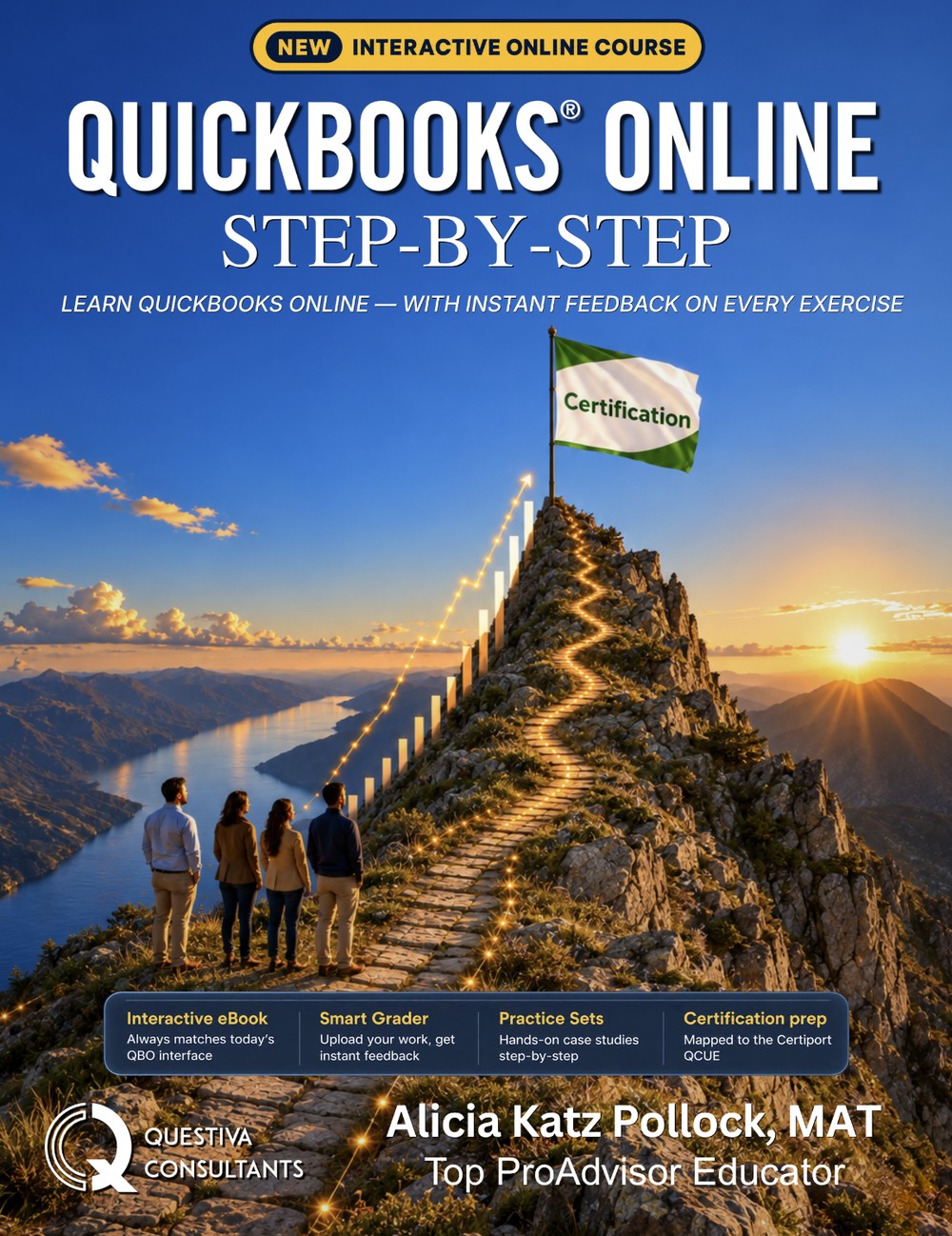
QuickBooks Online Step-by-Step

QuickBooks training for your team.

A structured QuickBooks Online course your staff work through at their own pace, with everyone’s progress on one screen.

Free to set up · No sales call · No approval

Pick your course

Start with Lite

Every seat includes both. Set how far each group goes, and put each person in the group that fits their role.

Recommended

Lite

For new hires and everyday bookkeeping.

  • Chapters 1–8 and 10: setup, sales, expenses, banking, reports and advanced workflows
  • Lessons run in Craig’s Landscaping, Intuit’s free sample company
  • No QuickBooks account needed for the lessons
  • Quizzes, exams and progress for each person

Group settingThe shorter course, through chapter 10

Standard

For staff who should practice in companies of their own.

  • All 16 chapters, adding job costing, inventory, year-end, payroll and the YinYang Graphic Design case study and capstone
  • Staff build two companies of their own, Imagine Photography and YinYang Graphic Design, one chapter at a time
  • Assignments checked by the smart grader against the answer key

Requires a QuickBooks Online account for each person. A free one works.

Group settingThe full course, every chapter

Compare Lite and Standard

How it works

Up and running in three steps

Set up a group and let staff learn at their own pace.

  1. Set up a group

    Create a group, choose how far it goes, and give each person a seat.

  2. They learn, then do the work

    Staff read each chapter and complete its exercises in QuickBooks Online.

  3. You see the results

    Review progress, quiz scores and graded work for everyone.

Group Dashboard

Every learner’s progress, one screen

Open anyone’s record to review their work and see where they need help.

Team dashboard with sample training data
Pricing

Seats from $99.96 a year per person

Each seat runs 12 months from the day you assign it, and the price per seat drops from 15 seats. Monthly seats are $39.95 a month each.

Common questions

The things people ask first

Which course should my team take?

Start new hires and everyday bookkeepers on Lite. Use Standard for staff who should build companies of their own, through the case study and capstone. Every seat includes both, so you choose per group when you set it up, and you can change it later.

Do staff need QuickBooks?

Not for the Lite lessons. They practice in Craig’s Landscaping, Intuit’s free sample company. Standard has each person build companies of their own, so they need a QuickBooks Online account. A free Intuit Accountant Suite profile works, and so does a free 30-day QuickBooks Online Plus trial.

How do I see where my team stands?

The Group Dashboard shows each person’s chapter progress, quiz scores and graded work. Open anyone’s record to review what they submitted.

How does a 12-month seat work?

A seat’s 12 months start the day you assign it, not the day you buy it. Move a seat to someone else and they get the months left, not a fresh year.

Can I try the course first?

Yes. Chapter 4 is free to read with no sign-up, and setting up a group costs nothing until you buy seats.

Is this the same as QBCU certification?

No. QBCU is Certiport’s own credential, and staff take that exam separately through Certiport. Our book is in line with that exam, and our certificate confirms they finished the course, with a public link you can check.

Start today

Train your team with one clear course.

Setting up a group is free. Start everyone on Lite, and move a group to the full course when their work needs it.

See seat pricing →
Every seat includes
  • Lite and Standard, 2026 edition
  • Hands-on practice in QuickBooks Online
  • Quizzes, exams and progress
  • Smart-graded assignments in Standard

Learning on your own? For learners →