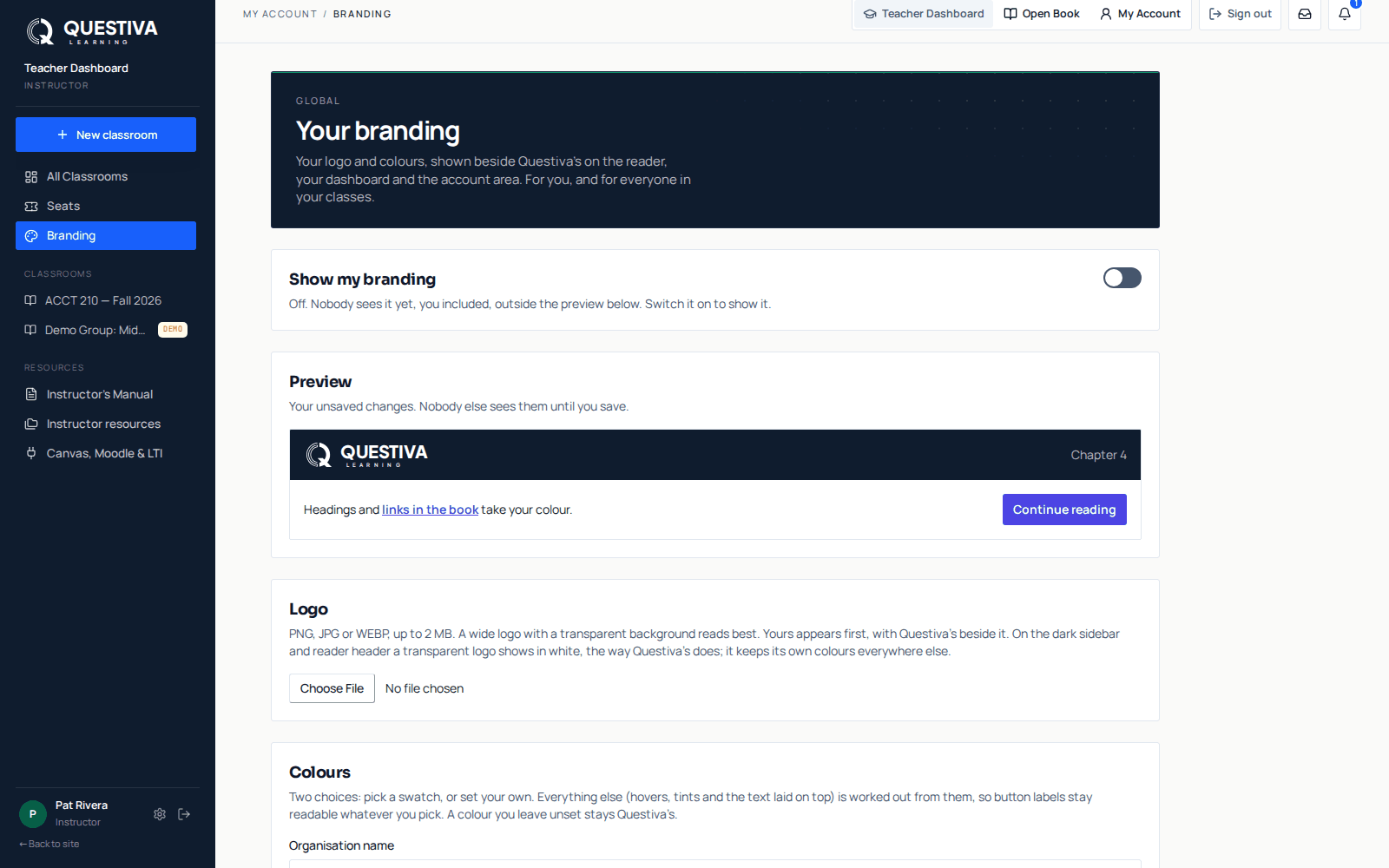
Once you're an approved instructor, Branding in the Instructor Dashboard sidebar puts your logo and colours on the reader, your dashboard and the account pages, for you and every student in your classes. Your logo sits beside Questiva's; it never replaces it.
Open Branding
It's in the sidebar, under Seats. The page is Your branding.
Add your logo
PNG, JPG or WEBP, up to 2 MB. A wide logo with a transparent background reads best; on the dark sidebar and reader header it shows in white.
Pick your colours
Under Colours, type your Organisation name, then choose a Brand colour and a Sidebar colour, from the presets or your own. Preview shows the result as you pick.
Choose Save, then switch on Show my branding
Nobody sees it until Show my branding is on, you included. Then it's live for you and every student in your classes.
Good to know
- It never appears on the public website, the sign-in page, emails or certificates.
- A student's reading theme and text settings always win over your colours, so the book stays readable.
- Reset to Questiva's puts the standard look back.
- If you are also a student in another instructor's class, their branding can show on your screens. The page tells you, and Show mine instead switches yours on.